Release notes
Security Profile redesigned for faster vendor reviews

Mark Barber May 20, 2026
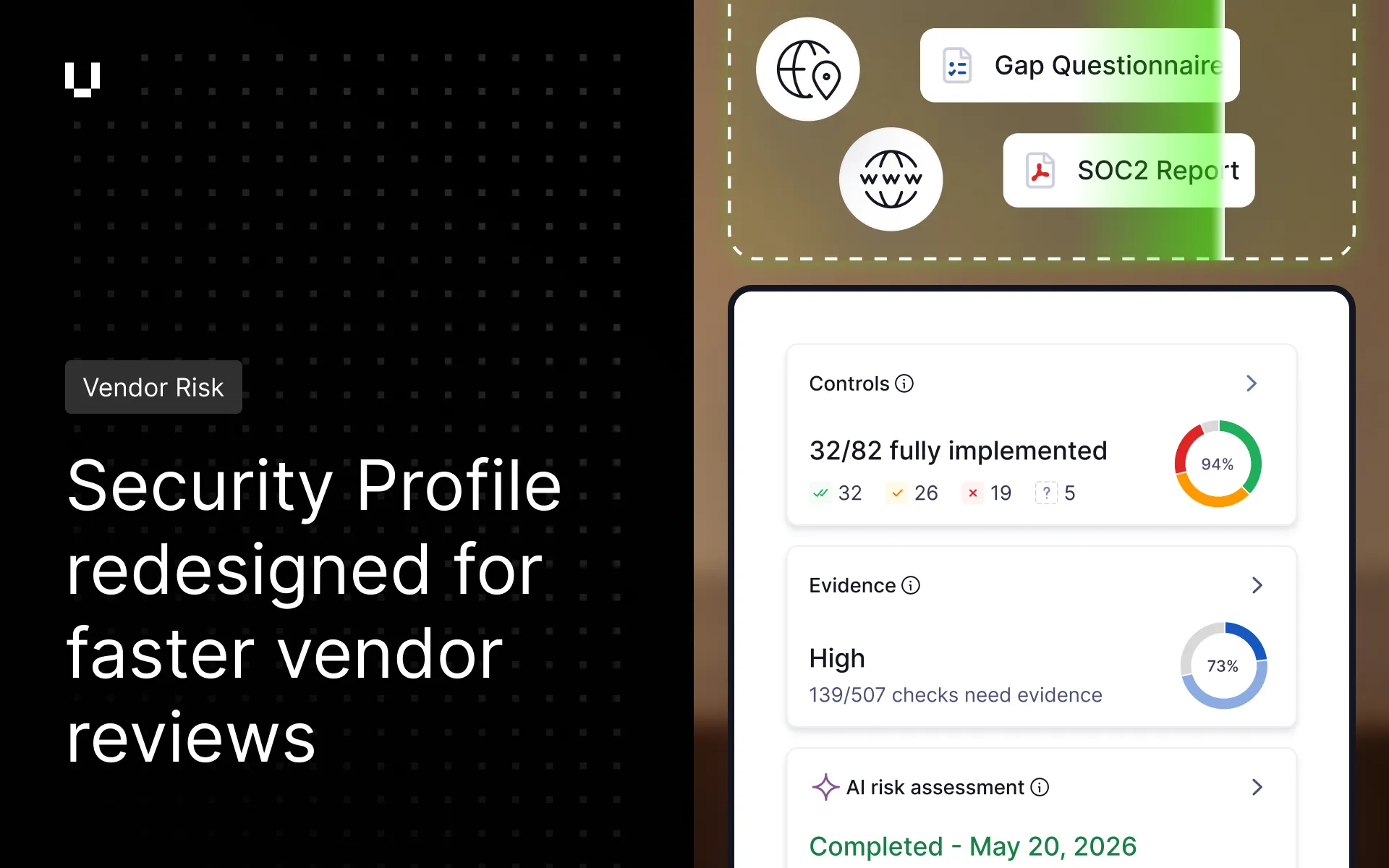
We’ve redesigned the Vendor Risk Security Profile with a new tabular format. Users can search and filter checks to pinpoint where risks are. Bulk actions then make it faster to act on multiple risks at once. To learn more, see working with controls and checks.
Threat Monitoring users can now choose which social media platforms to include in their monitoring configuration. Platforms can be toggled on or off individually, so security teams can track only the channels relevant to them.
Trust Exchange administrators can configure automatic access expiry for shared Trust Center assets. A time limit (such as 30, 60, 90 days or 1 year) can be set, after which access is automatically revoked, minimising the risk of long-term data exposure especially for sensitive documents.
Trust Exchange now groups questionnaire messages into single notifications. This reduces inbox volume for both questionnaire senders and responders while maintaining real-time visibility into active questionnaires.