Release notes
Create notes inside the UpGuard platform

Abi Tyas Tunggal October 28, 2020
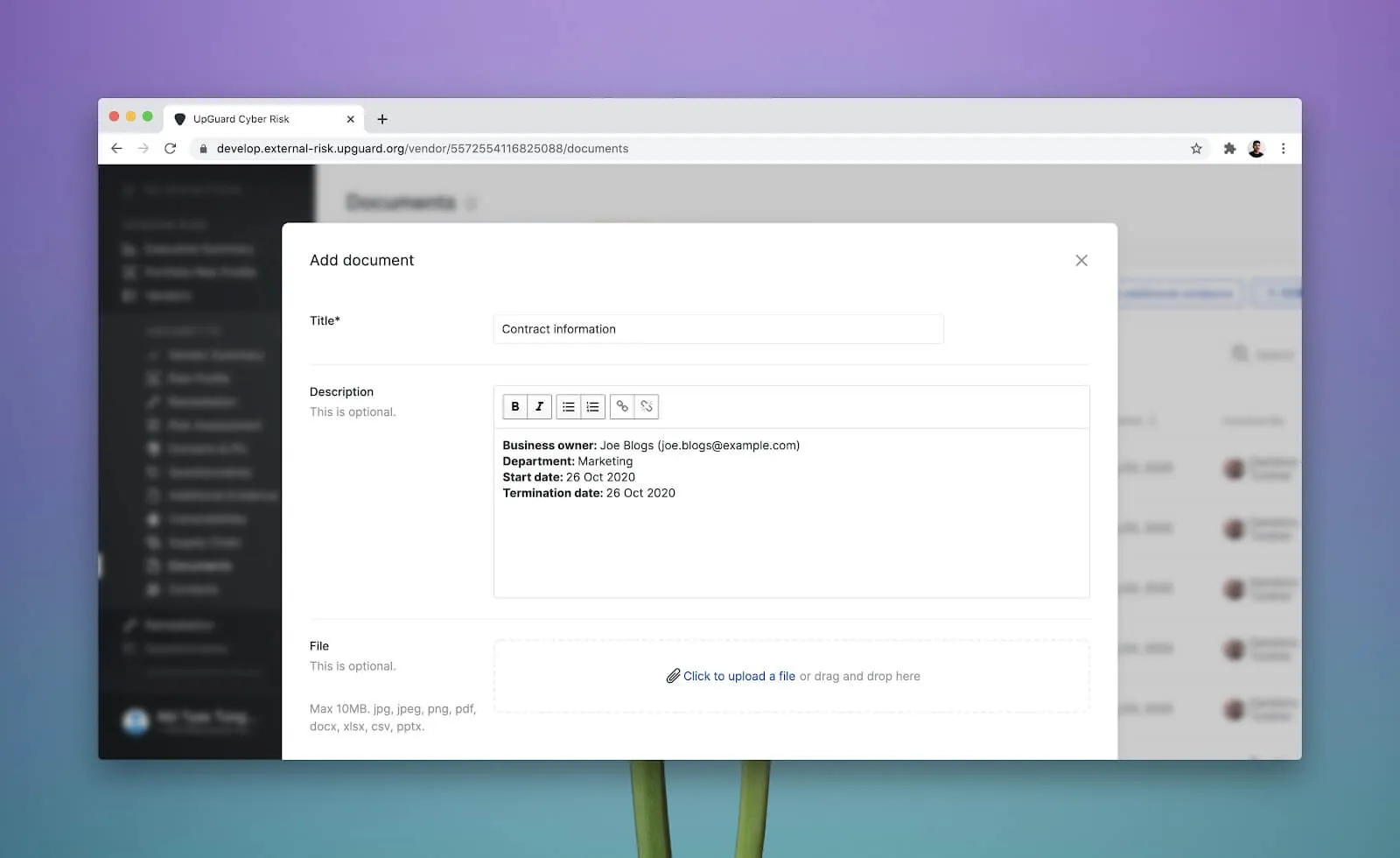
You can now leave generic notes about your vendors inside the UpGuard platform without having to upload a file. This means you can drop in any information you need without having to create and upload a separate document.
This could be information about what project the vendor relates to, why the vendor has been engaged, and any other important information like contract dates or SLAs that don’t justify creating and uploading an entire document.
We hope this feature means you can start storing more of your vendor-related information in UpGuard and we can start acting as your central vendor management repository.
You can now filter your vendors to show any that do not match a particular label (or labels). For example, you can now see all vendors who are NOT labeled with “Customer Data”.
We’ve also added a special label called “unlabelled” which can be used to find all vendors who do not have a label applied or who do have labels if you use the NOT operator.
Learn how to filter your vendors