Release notes
Report exporting improvements

Abi Tyas Tunggal May 12, 2020
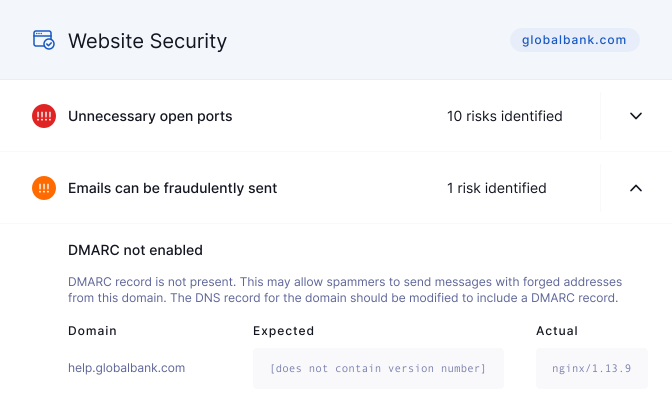
We’ve greatly improved the report export functionality across the UpGuard platform. You can now export your own or a vendor’s risk profile to Excel. The Excel file contains a row for each combination of risk and domain / IP.
You’ll also notice that reports reflect any filters you have in place, such as label-based or score-based filtering. To try this out, log in to the UpGuard platform > go to your Risk Profile > apply a filter > click export.
You’ll see there is an option to apply active filters, as well as to export to PDF or Excel.
Additionally, we’ve made some changes to how we report on and classify domains and IP addresses across both UpGuard Vendor Risk and UpGuard Breach Risk:
We also made a small change to our scoring engine. The “HTTP still accessible” check will now fail for domains that respond with a 4xx/5xx HTTP status code over plain HTTP. Previously only sites responding with 200 failed this check.
We’ve made UpGuard Vendor Risk specific improvements:
We’ve made UpGuard Breach Risk specific improvements: