Release notes
Updated application usage policy controls

Mark Barber June 17, 2026
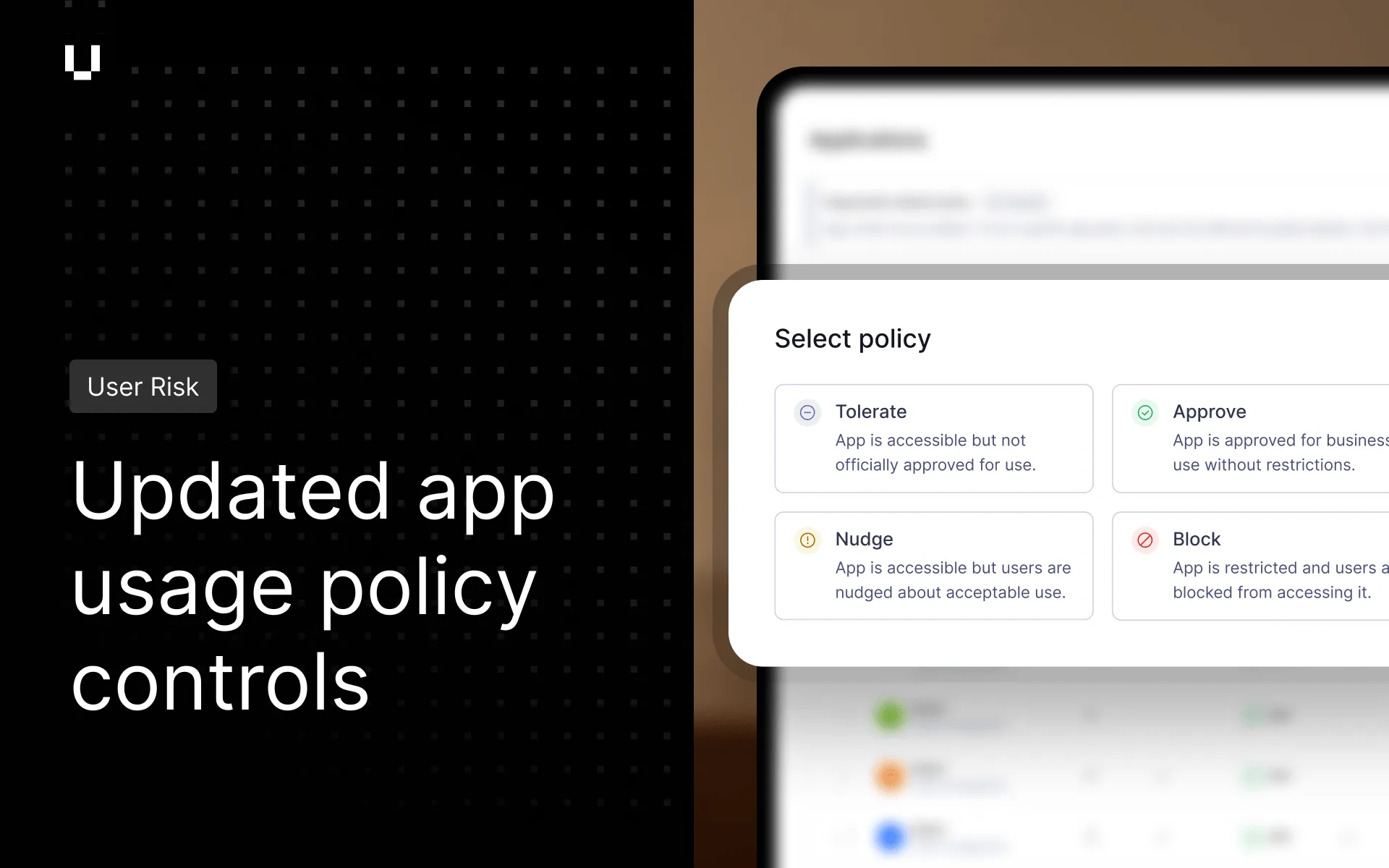
User Risk administrators can now set a policy on any application: approve it, block it, nudge users toward alternatives, or mark it as tolerated. Role, team, and individual user exceptions layer on top of a base policy, with no parallel rule sets to manage. For example, Social Media apps can be blocked for everyone while remaining approved for the Marketing team. Newly discovered apps inherit the organization’s default state automatically. For more information see App Usage Policies.
User Risk now gives administrators browser-level controls that govern what employees can do on a site, not just whether they can access it. Administrators can prevent employees from pasting or uploading sensitive data into shadow AI tools. Corporate sign-in can be enforced on approved apps. Predictable passwords are flagged before they’re set. For more information see Browser Defense Policies.
In addition to in-app notifications, Vendor Risk users can now enable email notifications when additional evidence documents are approaching their expiry date.