Release notes
New threat signal: Published MCP server definitions

Mark Barber June 3, 2026
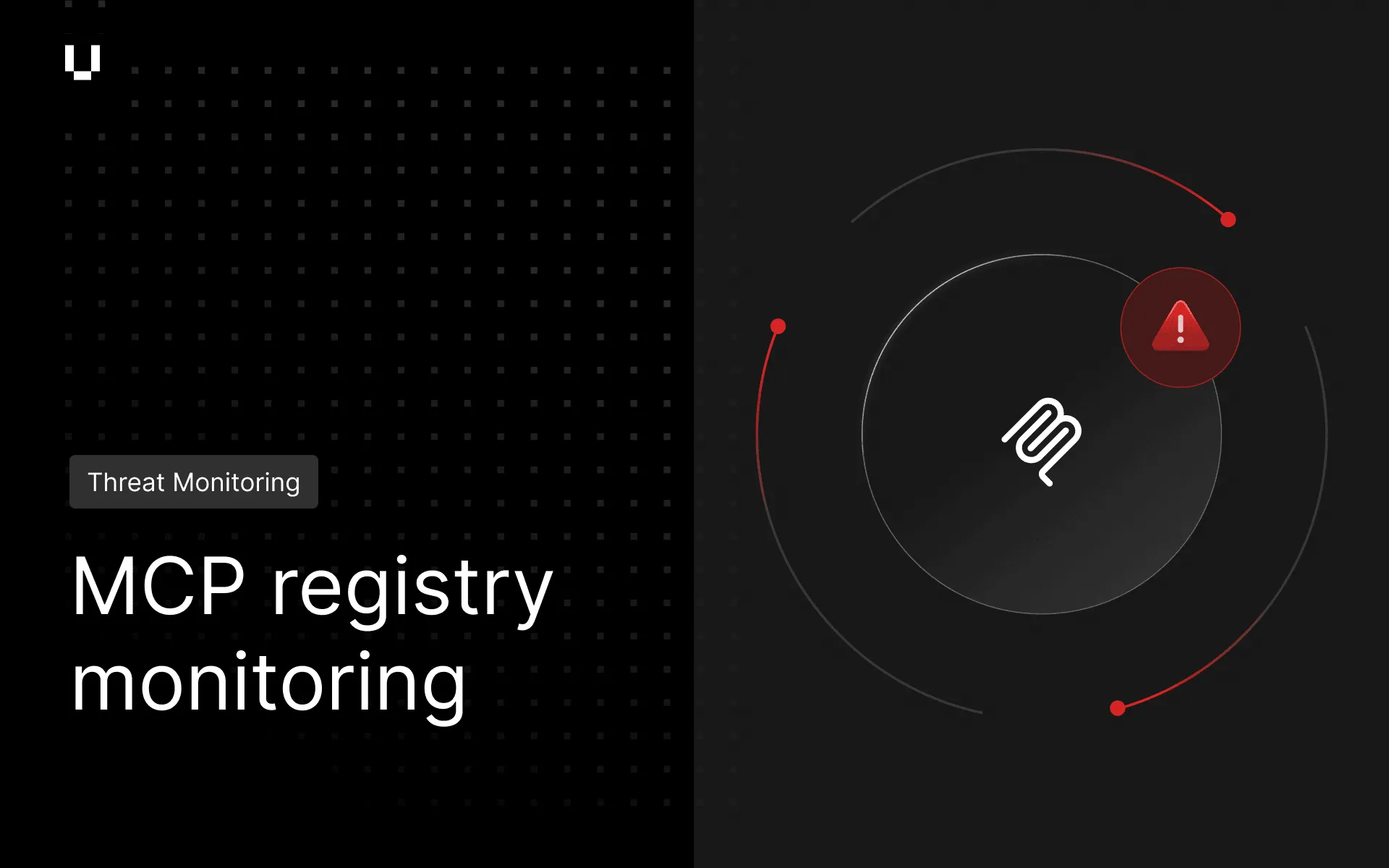
Threat Monitoring now surfaces Model Context Protocol (MCP) server definitions that references organizations in public registries and marketplaces. This gives security teams visibility into emerging AI tooling, integrations, and ecosystem activity associated with their organization, supporting earlier identification and assessment of potential exposures. As AI ecosystems continue to mature, Threat Monitoring is evolving to help security teams identify risks associated with AI-native technologies before they become established parts of the attack surface.
Threat Monitoring exports now include the AI Analyst advice fields shown in the threat details UI: threat context, indicators of risk, and remediation guidance. These fields are now available in XLS and CSV exports, so teams working with exported data retain the full context they need for triage and reporting.
We now have improved product detection for Cisco Netscaler. Customers with Netscaler in their attack surface will now see the product in Breach Risk Detected Products. Breach Risk and Vendor Risk now also include verified vulnerability detection for Cisco Netscaler across 17 CVEs, including CVE-2023-4966 (Citrixbleed), CVE-2025-5777 (Citrixbleed 2), CVE-2026-3055 (Citrixbleed 3), CVE-2025-6543, CVE-2025-7775, and CVE-2025-7776.
Vendor Risk onboarding automations now support multi-select attribute assignment. When building vendor onboarding automation rules for a multi-select attribute, multiple matching values can be applied in a single rule, applied to a multi-select question. To learn more about Vendor onboarding automations see How to use automation to apply tiers, labels, portfolios and custom attributes to your vendors.
Trust Exchange questionnaire AI Autofill now identifies and displays direct matches in green throughout the review UI, including the progress bar and answer sidebar. A direct match means the AI found an exact match to a previously completed questionnaire in the platform, so the answer text is unchanged. These answers are represented with an “Exact match” confidence rating label, so reviewers can skip them and focus only on answers that need review.
The Trust Exchange Public APIs previously available in beta, are now generally available. These APIs allow organizations to integrate Trust Exchange workflows with external systems and automate content library uploads, access management and listing questionnaires programmatically.
Questionnaire recipients can now unsubscribe from new message notification emails on a per-questionnaire basis, giving vendors more control over their inbox without affecting the questionnaire workflow itself.
Risk Automations now allows customers to see how many executions have been used, so that you can track your total executions, executions used, burn rate, and expiry date in the UI.
Common workflow actions are now available directly from the Workflow list in Risk Automations, without needing to open the canvas editor. Actions such as duplicate, rename, and archive can be taken from the list view, making it faster to manage multiple workflows.